
Projector rental for a home movie night: screen, sound and connections
A projector is only one part of the evening. Check the room, actual content and complete audio-video setup before inviting everyone for a film or birthday video.
Team Tadalo · Updated · 5 min read
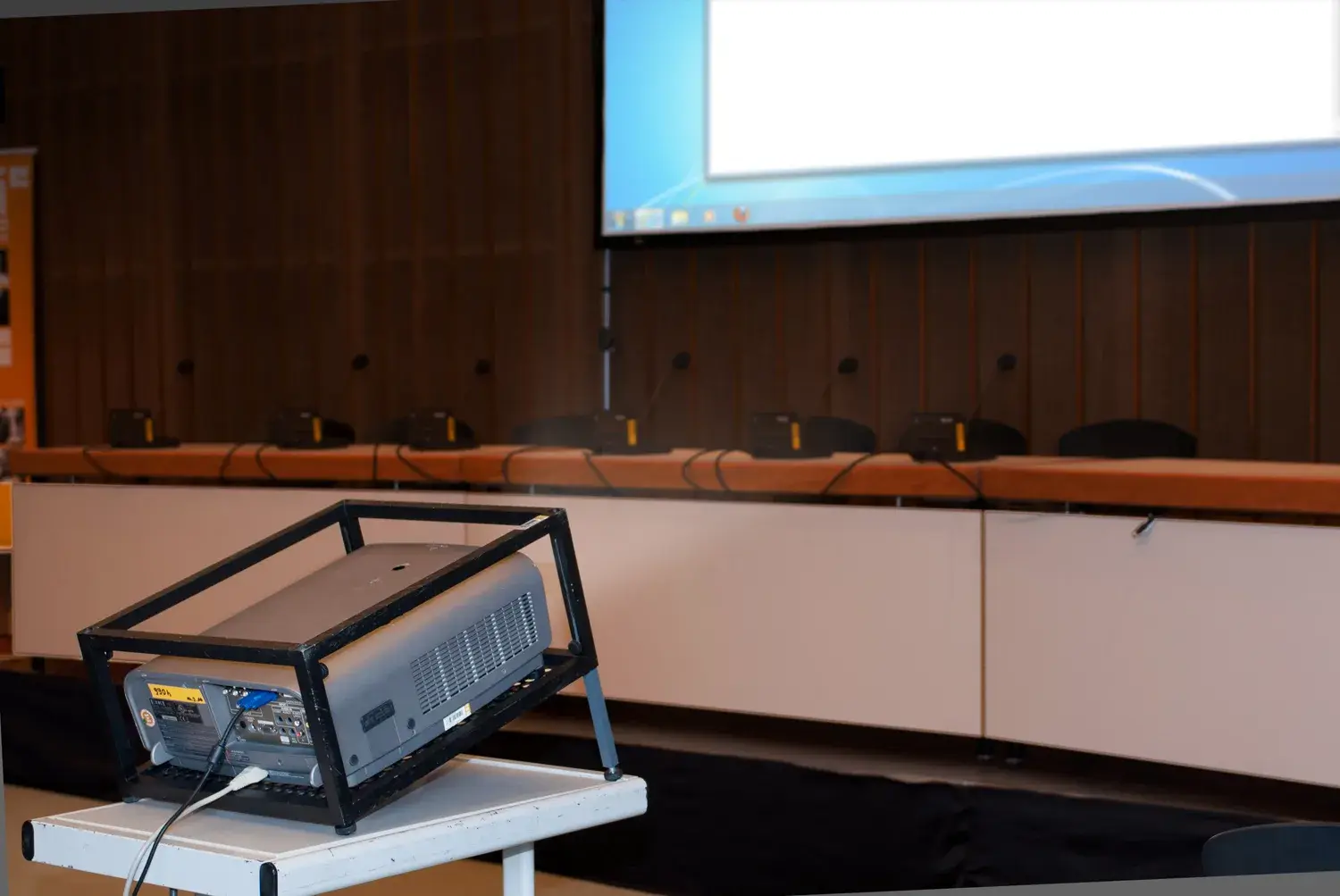
For a projector rental at home, establish the room dimensions, ambient light, content and source device first. Then confirm the screen, sound and accessories. A Full HD label alone does not tell you the system will work in your room.
A film night, anniversary photographs and a birthday video share the large-screen idea, but the actual content and connections need testing. Prepare the requirements before booking rather than looking for a missing adapter on the evening itself.
Measure the image position and available distance
Record the available image width, audience position and possible distance between projector and screen. Ask the owner to check the specific model’s projection requirements. Different projectors do not produce the same image from the same position.
Assess how well the room can be darkened. Epson’s projector selection information relates selection to viewing distance, image size and ambient light. Describe the actual room rather than assuming one brightness figure suits every occasion.
Test the actual source, application and video
Tell the owner which computer, phone or player you will use and its outputs. Confirm projector inputs, required cables and adapters and what is supplied. A USB port alone does not prove the projector can play your video or mirror your phone.
Test the real content and application using the planned configuration and comply with the service’s terms. A successful desktop display or slide presentation does not establish that every film will play. Resolve connection, format and content-protection questions before guests arrive.
Check sound as part of the same test
Ask whether built-in audio suits your programme. For external speakers, confirm the complete connection from the source, required cables and where volume is controlled. Test dialogue as well as a picture and check sound and image remain synchronised.
For alternating films and speeches, establish how a microphone would be added. Our speaker and microphone rental guide separates those audio requirements from the video side. Add another device only when it solves an identified need.
Confirm the screen and physical setup
Ask whether a screen is included and request its dimensions and support type. A blank wall may not provide the colour, uniformity or space you want. Use stable appropriate supports, preserve access and follow ventilation requirements rather than improvising a mounting arrangement.
Confirm remote control, power lead, video cables, adapters and case. Allow setup and packing time. Outdoor use needs a separate suitability check: equipment intended for indoor use does not become appropriate for moisture or rain because the event is short.
- Room size and projection position.
- Model matched to distance and lighting.
- Actual source, application and content tested.
- Sound and required connections checked.
- Screen, supports, leads and remote confirmed.
- Setup, packing and return time included.
Compare systems that solve the same evening
Request a period total covering the screen, sound and accessories you actually need. Check whether early collection or next-day return changes the rental charge. Separate deposits from final charges and confirm any delivery or installation services offered.
A projector-only price may leave you without a screen or adapter. If your existing television is adequate for the group, include that option before organising a more complicated setup. The aim is a useful shared viewing experience.
Send your measurements with the rental enquiry
Search projector rentals, checking collection locations and dates. Send measurements, source-device details and the programme, then agree a test and a component list. The guide does not guarantee equipment availability in your area.
For a full celebration, use the birthday equipment guide. For lunch followed by family photographs, plan furniture first with the table and chair guide, keeping the screen area clear.
Find equipment for your plans
These links open category searches. Check the location, dates, accessories and conditions in each listing. They are not packages or guaranteed availability.
Frequently asked questions
Can I connect a phone to a rental projector?
It depends on the phone, projector, adapters, application and content. Provide the actual models and test the complete configuration before the event.
Does projector rental include a screen?
Not automatically. Confirm the screen, dimensions, supports and every included accessory in the quote.
How many lumens do I need for a home movie night?
The answer depends on ambient light, image size and the actual projector. Measure the space and check model specifications rather than using a universal threshold.
Keep exploring
Pressure washer rental for a patio or courtyard: choosing the complete kit
Start with the paving, water supply and accessories rather than the biggest pressure figure. Prepare the job before your rental period begins.
Birthday party equipment rental: what you actually need for a party at home
Start with guests, space and the party format. Then rent the furniture, audio and accessories you are missing rather than filling the room with unnecessary equipment.
Table and chair rental for a family lunch: quantities, measurements and transport
More guests than chairs does not require a full event package. Count the missing places and check the layout and transport before reserving extra furniture.
Party speaker and microphone rental: music, speeches or karaoke?
A speaker that plays a playlist is not automatically a karaoke system. Specify the activity and test the complete setup with your actual source and microphones.
Photo credits
Real photographs from Wikimedia Commons, resized for this website; some previews are cropped. Images illustrate the guide and do not guarantee equipment availability.
- A professional video projector mounted in a frame — Brematon. Wikimedia Commons · CC BY-SA 3.0
